Best barbershop software for small shops in 2026
Choose barbershop software that fits your chair. Start with Barbr for barber-specific admin, then compare booking-only, walk-in and mixed-service needs.

Best starting point: Barbr for barber-specific bookings and client management. Best for a booking-only workflow: appointment scheduling software. Best for a walk-in-led shop: queue management software. This 2026 guide ranks barbershop software by the job you need it to do: less admin, clearer bookings and more time cutting.
TL;DR
- Barbr is the best starting point for solo barbers wanting barber-specific barbershop software, client management and reminders.
- Choose appointment scheduling software when your main job is replacing messages with bookable slots.
- Choose queue management software when arrival order matters more than appointment times.
- Test service timings, working hours and the client booking journey before changing systems.
Why this matters
A small shop needs software that matches how the chair runs. A diary full of appointments needs different controls from a walk-in queue, and a shop offering several trades needs a different setup again.
Choose the workflow before the feature list. An extra dashboard does not help when your main problem is answering booking messages between cuts.
This is Barbr's perspective, written for solo barbers and small UK shops. The recommendations below rank software types by fit, rather than repeat a long shortlist of competing apps or claim a hands-on product test.
What makes the best barbershop software?
Use these criteria for your 2026 shortlist. A feature earns its place when you can explain what it changes during a working day.
- Accurate service timings: Your diary should reflect how long each service actually takes, including any time you need between clients.
- Simple client booking: A client should understand what to book, who they are booking with and when to arrive.
- Useful client records: You need information that helps you serve regulars, not fields you never open.
- Clear reminders: Check what clients receive and whether the details match the appointment.
- Practical daily control: Test changes, cancellations and time away from the chair, not just a perfect booking.
- The right business scope: A solo barber, a walk-in shop and a mixed-service business should not automatically choose the same system.
Barbershop software at a glance
The ranking follows the needs of a small appointment-led shop first. If your business runs differently, use the “best for” column rather than treating the first row as a universal winner.
| Rank and option | Best for | Standout function | Key limitation |
|---|---|---|---|
| 1. Barbr | Solo barbers and small barber-focused shops | Barber-specific bookings, client management, reminders and payments | Barber-specific positioning does not establish suitability for unrelated services |
| 2. Appointment scheduling software | A straightforward booking-only workflow | Turning working hours into bookable appointments | Scheduling alone does not cover every shop-management task |
| 3. Queue management software | Walk-in-led shops | Organising clients waiting to be served | A queue does not replace future appointments |
| 4. Multi-service salon software | Shops combining barbering with other services | Organising different service workflows | A broader setup needs more careful checking against a simple chair-based routine |
1. Barbr: best barbershop software for barber-specific admin
Barbr is an online booking, scheduling and marketing app built specifically for barbers. Its stated scope includes managing clients, reminders and payments, keeping the recommendation close to the work of running a chair.
Best for: Solo barbers and small shops that want a barber-focused starting point rather than a general business system.
The practical question is whether that scope matches your daily admin. If you spend gaps between cuts handling bookings and keeping track of regulars, test those exact tasks during the trial. Start with a normal working day, not every possible setting.
Barber-specific software pros
- The product is built specifically for the trade you work in.
- Booking and scheduling sit within its stated purpose.
- Client management and reminders address tasks that continue after someone chooses a slot.
- Payments and marketing are also part of its stated scope.
Barber-specific software cons
- A barber-focused product is not, by itself, evidence of fit for unrelated treatments or business types.
- Software cannot decide sensible service lengths or shop rules for you; those still need setting correctly.
Verdict: Try it first if your main requirement is barber-specific booking and client admin. Judge it on completing your real tasks, not on how many settings you can find.
2. Appointment scheduling software: best for booking-only simplicity
Appointment scheduling software centres on a straightforward job: turning working hours and service lengths into appointments. This category suits a barber whose main problem is arranging times through messages, rather than managing a wider shop operation.
Best for: A solo operator who wants a clear appointment diary and has a separate way to handle other business tasks.
For example, create an illustrative 30-minute cut and a 45-minute cut-and-beard service. Check whether each takes the right amount of diary space, then move a booking and see what changes for the client. These are test timings, not recommended service lengths.
Appointment scheduling software pros
- It gives you a focused workflow to assess.
- Service lengths provide a clear basis for testing the diary.
- It suits a decision centred on appointments rather than wider shop administration.
Appointment scheduling software cons
- Appointment handling does not establish that client records, payments or marketing are included.
- A simple solo diary is not proof that the same system suits several barbers.
Verdict: Choose this category when booking is the problem you need to solve. Do not choose a broader shop system unless you can name the extra work it must handle.
3. Queue management software: best for walk-in-led shops
Queue management software organises people waiting to be served. Its central question is who is next, rather than which future appointment a client has booked.
Best for: Shops where walk-ins drive the working day and waiting order is the main operational challenge.
Test the queue against what happens on the floor. A client leaves temporarily, someone requests a particular barber, or an appointment client arrives while others wait. Define your rule for each situation before judging whether the software supports it.
Queue management software pros
- It focuses on waiting order, the core problem of a walk-in workflow.
- It gives you a concrete process to test with the team.
- It keeps the selection centred on arrivals rather than unused appointment features.
Queue management software cons
- Queue order is not a substitute for booking a future cut.
- A mixed walk-in and appointment shop needs a clear rule for how both groups share chair time.
Verdict: Choose this category when managing arrivals matters more than filling a future diary. Skip a queue-first approach if regulars mainly want to reserve a time next week.
4. Multi-service salon software: best for mixed-service businesses
Multi-service salon software is the category to assess when the business extends beyond barbering. The requirement is broader than a barber's diary: different services must fit the way the whole shop works.
Best for: A business combining barbering with other treatments or service workflows.
Write down the differences that matter before choosing. Different service lengths alone are not the same as needing different rooms, preparation stages or staff arrangements. Test the requirements your business actually has instead of assuming a wider label guarantees a better fit.
Multi-service salon software pros
- It gives mixed-service businesses a relevant category to investigate.
- It encourages assessment across the whole service menu.
- It provides a useful comparison when a barber-only workflow is too narrow for your requirements.
Multi-service salon software cons
- A broader product category does not guarantee every specialist requirement is covered.
- Settings for services you do not offer create more to review without necessarily helping your chair.
Verdict: Choose this category for a genuinely mixed-service business. Skip the broader brief when your needs are ordinary barber bookings, regulars and reminders.
How the options rank
This 2026 ranking puts barber-specific fit first for its intended reader: a solo barber or small barber-focused shop. Booking-only simplicity, walk-in order and mixed-service scope each get a separate recommendation because they solve different problems.
The criteria are service timings, client booking, client records, reminders, daily control and business scope. The ranking is not a claim that every product within a category has the same features, or that one system wins for every shop.
Test your shortlist against a working day
A useful 2026 trial is a rehearsal, not a tour of the settings. Use your own services and working pattern, with test appointments clearly separated from real client bookings.
Service timings
Add the services people actually request. Check a 30-minute appointment alongside a 45-minute appointment, then inspect the remaining diary space. Replace those example durations with your own before accepting bookings.
Include any preparation or turnaround time you need. A neatly filled calendar is not useful if it gives you no time to reset the chair.
Working hours
Set a normal day, a break and time away from the shop. Then check what a client can book around each boundary.
For a small team, repeat the exercise for each barber. Do not assume one correctly configured diary proves every chair is ready.
Client journey
Start where a client would start and attempt a booking on your phone. Check the service wording, selected barber and appointment details before completing the test.
Read any confirmation and reminder the system provides. The client-facing experience matters as much as the diary you see behind the chair.
Daily admin
Move an appointment, record a cancellation and find the information you would need for a returning client. If payments are part of your intended setup, test that workflow too.
Write down anything that requires a workaround. A workaround for an occasional exception is different from one you need after every cut.
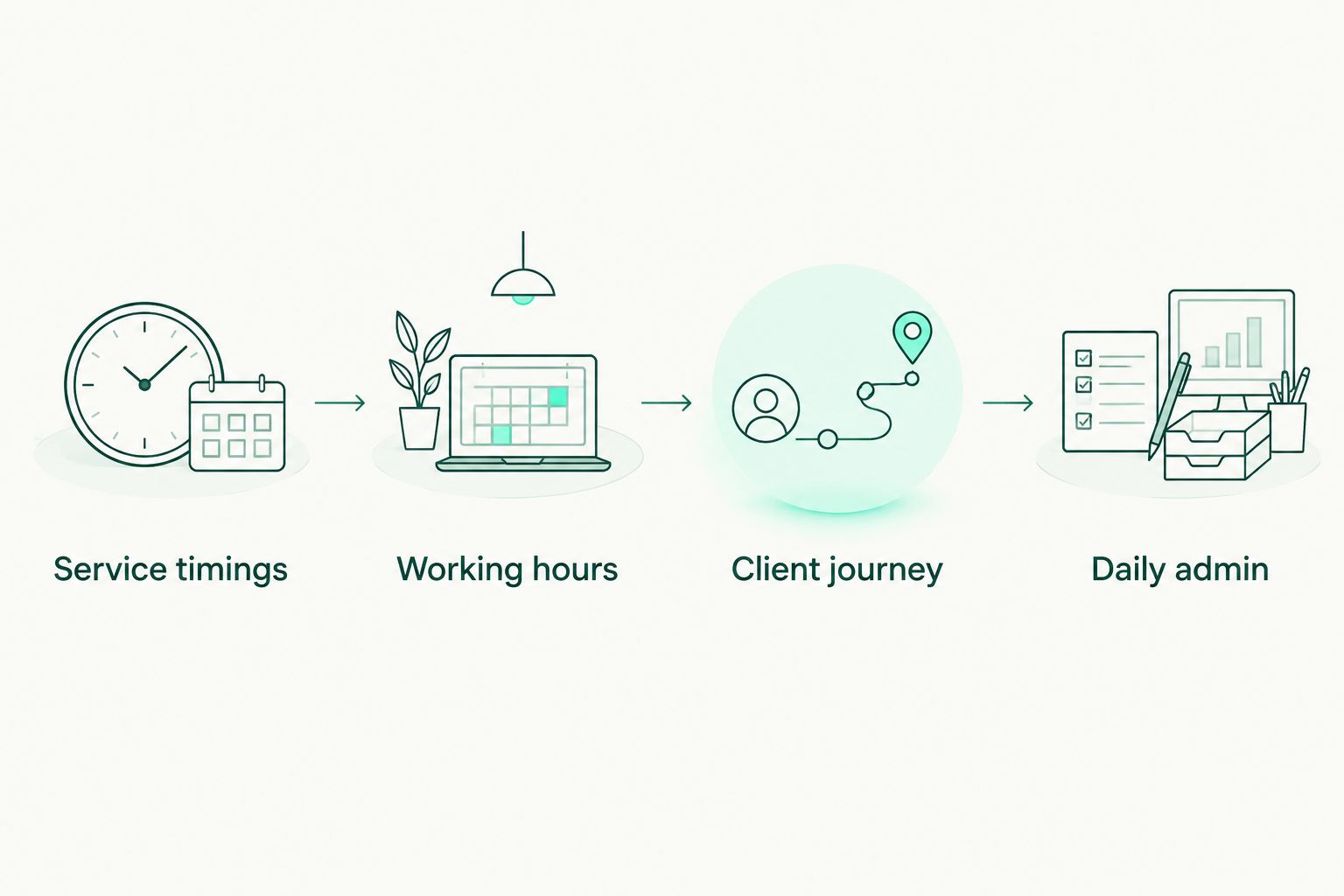
Test the working day, not just the first booking.
Which barbershop software should you choose?
Barbr is the best starting point for solo barbers who want barber-specific bookings, client management and reminders. Start there if those are the jobs taking time away from your chair.
Choose appointment scheduling software for a booking-only brief, queue management for a walk-in-led shop, or a multi-service system when the wider business genuinely needs it. Your 2026 decision should follow the work, not the longest feature list.
Before switching, check future appointments and decide how regulars will find the correct booking route. Keep one clear process for taking new bookings so you do not create competing diaries during the change.
Try your working day in Barbr
Use the free trial to check bookings, client management and reminders against your chair's routine.
FAQ
What's the best barbershop software for a solo barber?
A barber-specific system is the best starting point when you need bookings, client management and reminders together. Test it using your actual services and working hours before moving your diary.
Do I need barbershop software if I only have one chair?
One chair is enough to justify software when arranging appointments and managing client details are taking time from your working day. Choose around those tasks rather than looking for features designed for a larger business.
Is appointment scheduling software enough for a small barbershop?
Appointment scheduling software is enough for a booking-only requirement. Assess client records, reminders, payments and other tasks separately rather than assuming the scheduling label includes them.
What's best for a barbershop that mainly takes walk-ins?
Queue management software is the category to assess when waiting order is your main problem. If you also accept appointments, define how booked clients and walk-ins share chair time before choosing.
Can booking software stop no-shows?
Booking software cannot guarantee that clients attend. Check the reminder workflow and make your booking and cancellation rules clear, rather than treating software as a promise of full attendance.
What should I test before switching booking systems?
Test service lengths, working hours, the client booking journey and everyday changes such as moving an appointment. Check future bookings before the change and give regulars one clear booking route.
Should a mixed barber and beauty business choose barber-specific software?
A mixed-service business should assess the requirements of every service before choosing barber-specific software. A product's focus on barbering does not establish that it supports the rest of the business.
One last thing
Test the awkward gap, not just the easy booking. Put a longer service beside a shorter one and inspect what remains bookable between them.
That small check exposes a practical question: does the diary reflect the way you actually cut? Get the timings right before you ask regulars to use the new system.